
Plural is a free, online web application that makes it easier to provide—and receive—help from friends, family, and community members.
Help yourself.
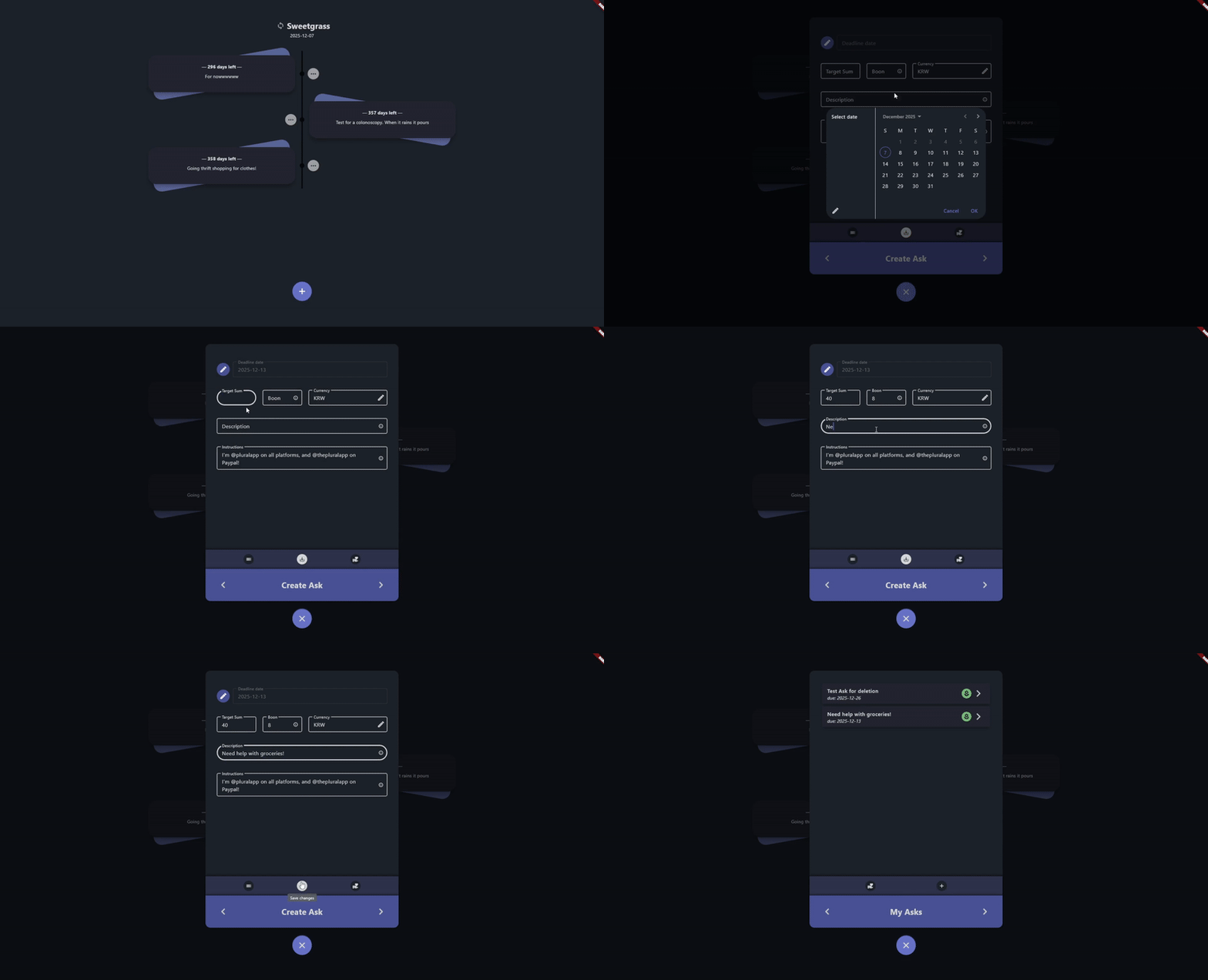
Plural lets you submit posts online to ask for help. Just set your details and instructions, and others can pitch in!
Help the community.
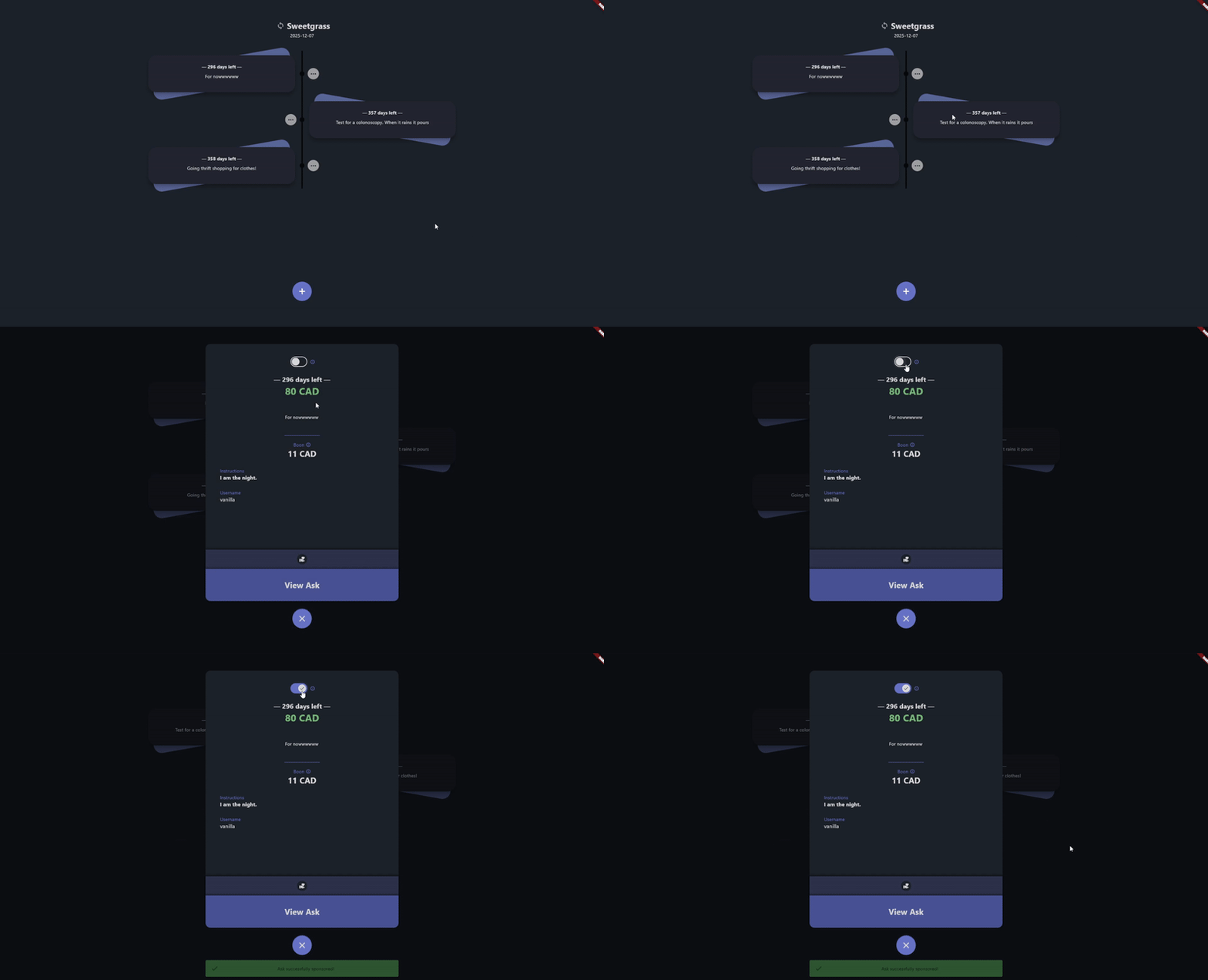
Anyone can ask for help, and everyone can help out. Which means the more who offer aid, the more who benefit from it.
We are everything we need.
Ask for help when you need it. Offer aid to others when they do. That's the premise of Plural.
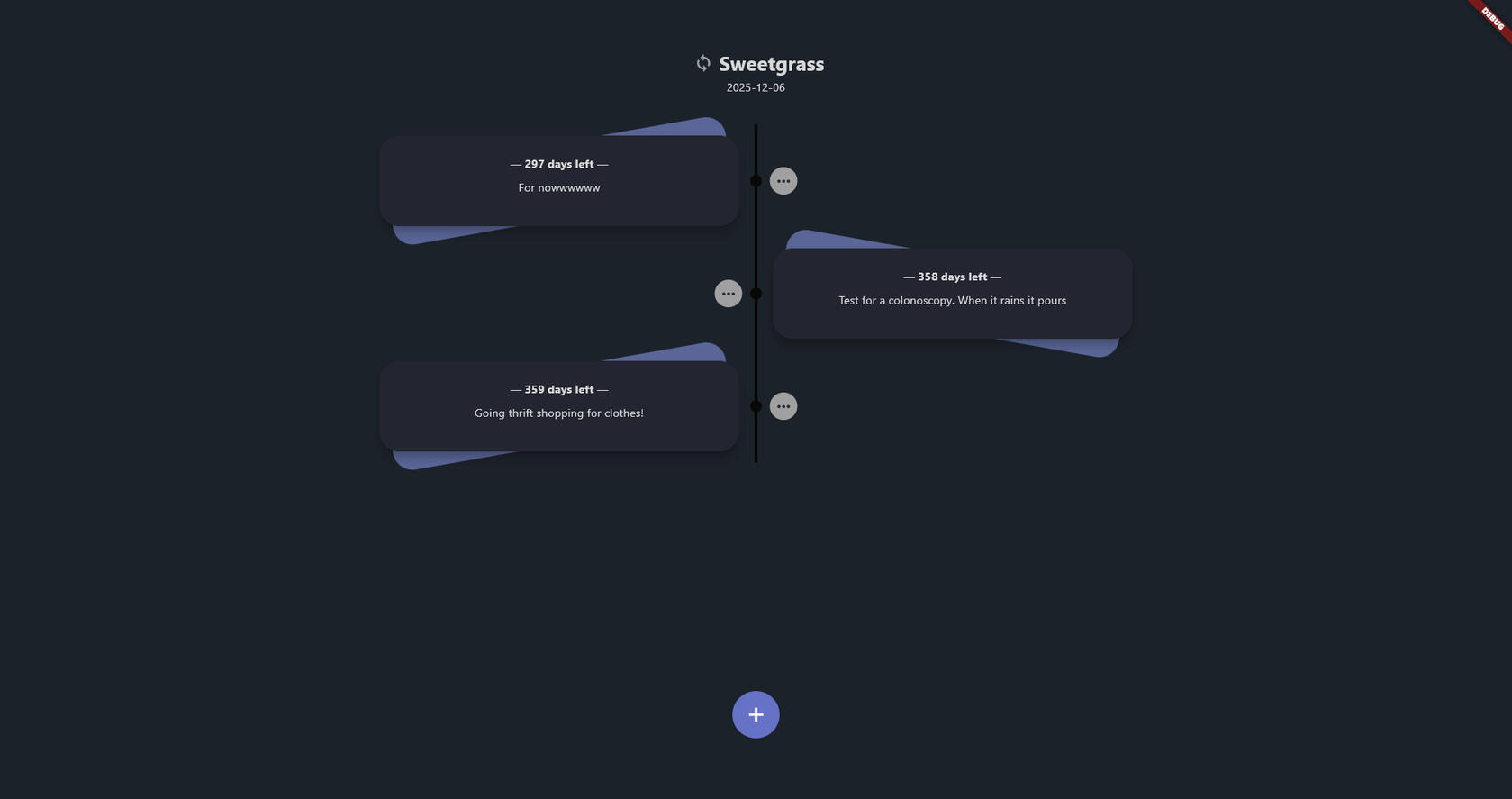
Get started
To get started with Plural you'll need two things—an account, and an invitation.
1. Create an account
Go to pluralapp.ca.
Select the Sign Up tab, and create your account.1
In the verification email you receive, click the link inside to verify your account.
1. Your name and username can be as whimsical as you'd like!
i.e. only your email has to be valid!
2. Get an invitation
For a direct invitation, you can email us directly, with the username of your account.For an open invitation, see below:
Sign up to the Plural newsletter at news.pluralapp.ca.
You will receive two emails—a confirmation email, and an email with the open invitation code.
Click here to see how to use the open invitation code.
If you face difficulties during any of the steps, please reach out to [email protected] for support!
Contact
Learn
Welcome to the official Plural help page, where you can find all sorts of resources on how to use Plural.
Getting Started
Contribute
External Sites